edTech recap: October 2025
Categories:
4 minute read
October brought some great new features to Google Workspace, a major update from Canva, and new AI resources from Google.
Google Classroom: generate stories in Read Along
Google’s Read Along is a reading app aimed at children in years 1–5. All Outwood students have access to Read Along. It can be used independently by children and families, or you can add specific stories as assignments in Google Classroom.
As well as choosing from a library of around 1,000 leveled texts or assigning your own custom story, you can now generate stories in Read Along with Gemini. You can specify key vocabulary to include, and edit the text before it’s turned into a readable online book.
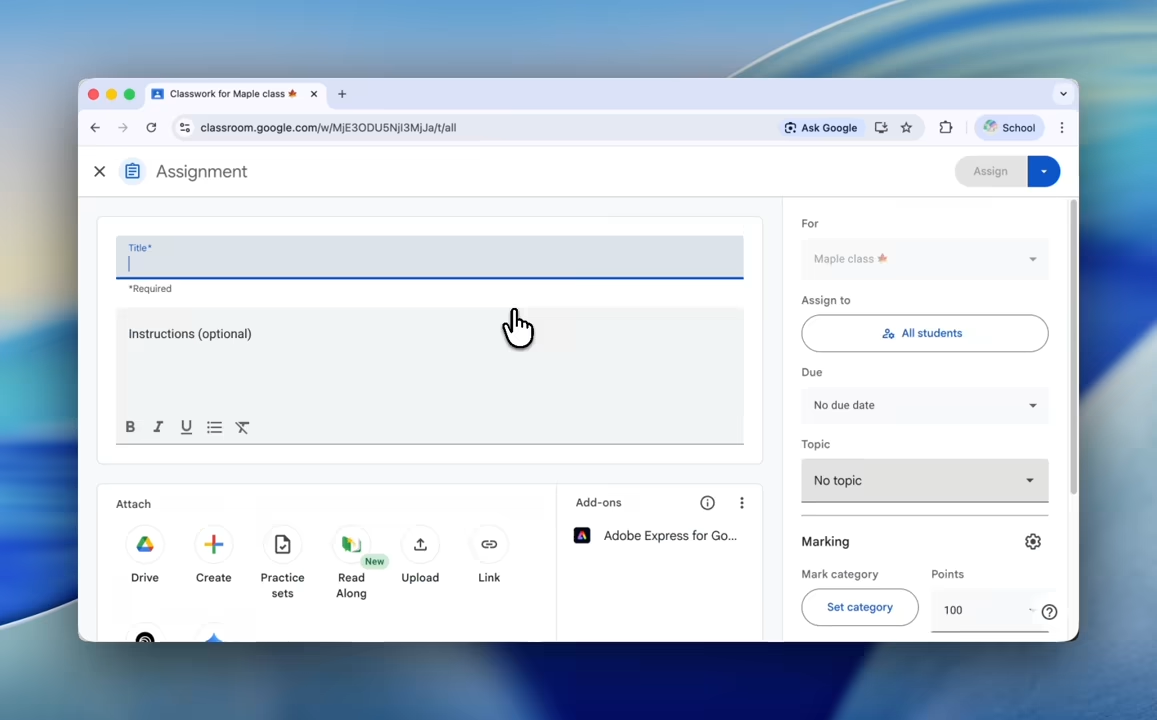
When attaching Read Along to your Google Classroom assignment, use the new “Write with AI 🪄” tab to get started with AI-generated stories.
Learn how to create content for Read Along in Classroom—both AI-generated stories and adding custom stories.
Google Meet: countdown timers
Meeting hosts and co-hosts can add a countdown timer in meetings. While it’s running, you have options to pause, cancel, or extend the timer.
Once started, all participants see the countdown on screen.
You can find the new timer tool in the “Meeting tools” (9 dots) menu, in the bottom-right on the web.
Learn how to set timers in Google Meet.
Google Vids: create vertical and square videos
You now have more video format options in Google Vids, with new vertical and square formats.
The following sizes are now available:
- 16:9 (widescreen)
- 1:1 (square)
- 9:16 (vertical)
Learn how to change video size in Vids.
Google Keep: reminders are saved to Tasks
When you set reminders in Google Keep, they are now automatically saved to Google Tasks. This puts all your tasks and reminders in one place, making it easier to stay organized across Calendar, Gmail, and other Workspace apps.
Learn how to add reminders to your notes.
Google Gemini Canvas: LaTeX support
Canvas in the Gemini app now supports LaTeX, enabling complex mathematical notation.
You can insert LaTeX using the “Insert equation” button in Canvas, and ask Gemini to create a PDF from your Canvas document.
Learn how to create documents and presentations with Canvas.
Google Chat: add stickers
As well as GIFs, you can now add stickers in Google Chat!
In Chat, look for the “Add GIF or sticker” option next to the message box.
Learn how to use GIFs and stickers in Google Chat.
Canva: Creative Operating System
Canva released their biggest update yet, with improvements to many areas, and lots of new features including:
- Video 2.0, a powerful new online video editor
- Style Match, copy art style from one image and apply it to another
- Magic Background, generate backgrounds that seamlessly fit your design
- More powerful AI design tools
They also released a new unified Affinity app, with professional photo editing, vector design, and page layout tools in one app. Affinity is also now free for everyone.
New AI resources from Google
Google released several new AI resources to support digital literacy and AI in education.
100+ ways to use Gemini in education
Google’s “100+ ways to use Gemini” is a guide for school staff to help get started using Gemini AI tools.
It includes ground-up guides for the Gemini app, NotebookLM, and the Gemini features in Classroom.
Outwood student accounts cannot currently access NotebookLM or the Gemini app.
AI literacy guides
Google has compiled a range of AI literacy resources for teachers, students, and families.
Take a look at ai.google/literacy.
Be Internet Legends
Created for UK primary schools, the Be Internet Legends curriculum resources are on the Parent Zone website. They include five new segmented Pillar Packs and 12 ready-made lesson plans.
AI quests
Google Research and Stanford Accelerator for Learning have launched AI quests. These game-based digital learning experiences for ages 11–14 explore how AI is applied and developed.