Timers in Meet
You can now add countdown timers in Google Meet!
Categories:
less than a minute
Meet now has countdown timers built in ⏲️
Meeting hosts and co-hosts can add a timer in meetings. While it’s running, you have options to pause, cancel, or extend the timer.
Once started, all participants see the countdown on screen.
Add a timer
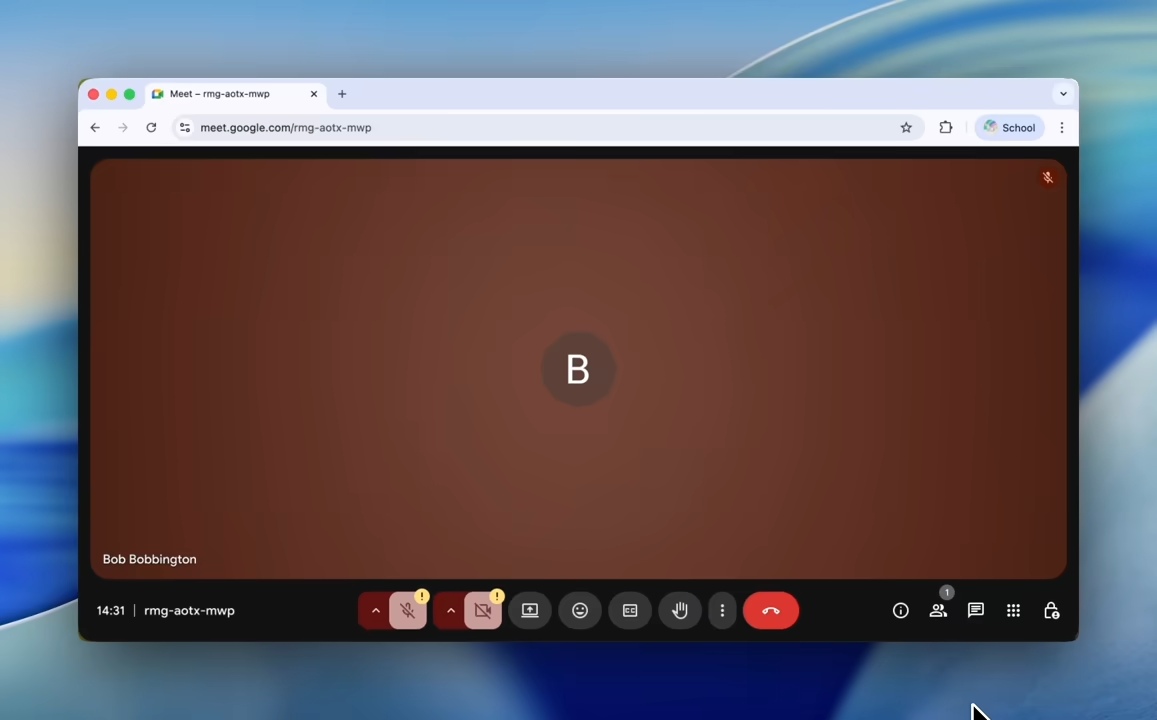
- Go to Google Meet and enter a meeting
- Click on the meeting tools menu (9 dots, to the bottom-right on the web)
- Choose the “Timer” option