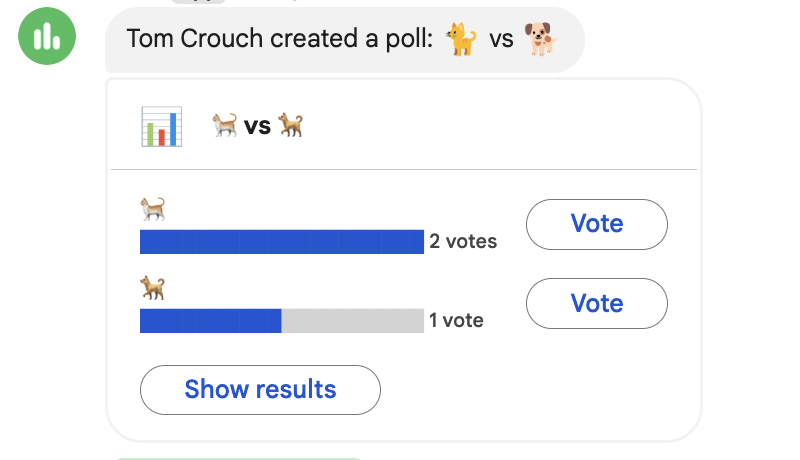
Polls in Chat
Create polls in Google Chat.
Categories:
less than a minute
Google Chat now includes a built-in polling feature that makes it easy to gather quick feedback and make decisions directly in your conversations.
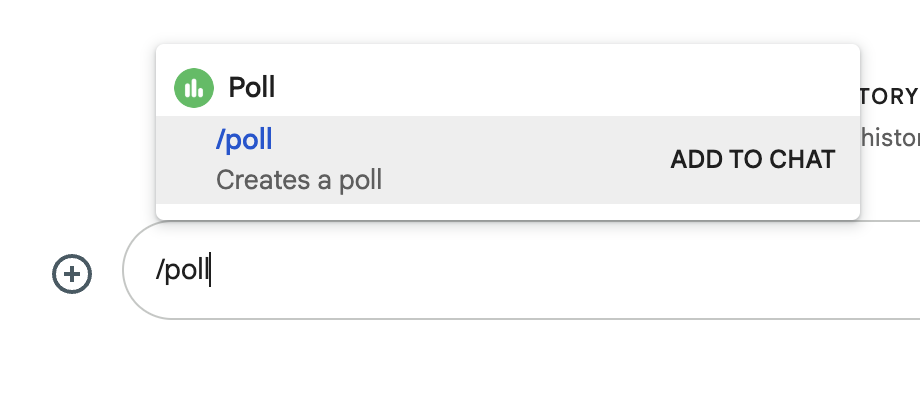
In Chat, type /poll and then Enter to create a new poll.
- Add 2–10 choices
- Option to hide the names of participants
- Option to allow multiple votes
Once you’ve added your options, the poll will be sent to the chat.
Everyone in the conversation can vote and see the results in the chat. Works on both desktop and mobile.